Guide · By Danylo Pravda · Updated
Build sign-in and sign-up in React
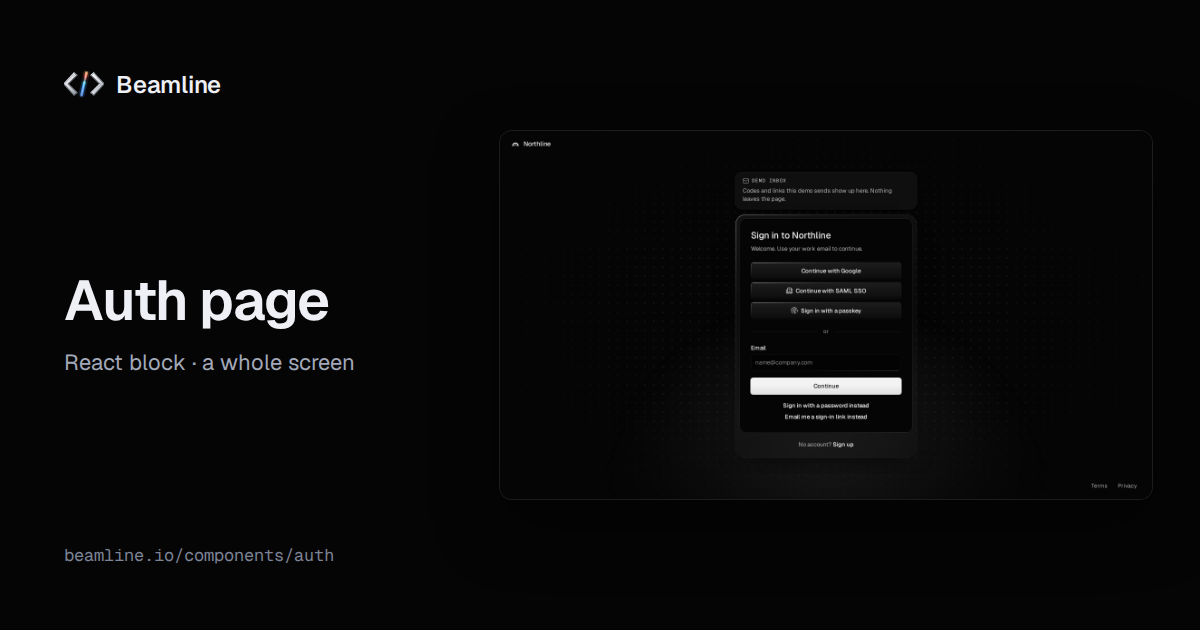
The sign-in screen is the first thing every user of your product sees, and the place where a generated app looks most generic: two fields, a button, maybe a Google logo. Beamline has three parts for it, and none of them talks to an auth service by itself. They run on your handlers, so they work with Clerk, Auth0, Supabase, Firebase, your own API or anything else. This guide shows which part to use and what each one handles.
Three parts, one decision
| you need | part |
|---|---|
| the whole sign-in and sign-up route: product mark, backdrop, both cards switching in place, legal links | Auth |
| a sign-in card inside your own page, panel or modal | Sign-in |
| an account creation card on its own | Sign-up form |
The auth block holds the other two: the sign-in and sign-up cards switch in place, and focus lands in the first field of the card that appears.
Every method, on your handlers
The sign-in card offers whichever methods you pass a handler for, and nothing else:
- e-mail and password (
onPasswordSignIn); - a one-time code sent by e-mail (
onRequestCode,onVerifyCode); - a magic link (
onRequestLink); - passkeys (
onPasskey); - single sign-on providers (
providers,onProvider).
import { SignIn } from "@beamline/sign-in";

<SignIn
  product="Acme"
  onPasswordSignIn={({ email, password }) => auth.signIn(email, password)} // resolves to the account
  onRequestCode={(email) => auth.sendCode(email)}
  onVerifyCode={(email, code) => auth.verifyCode(email, code)}
  providers={[
    { id: "google", label: "Google" },
    { id: "github", label: "GitHub" },
  ]}
  onProvider={(provider) => auth.redirectTo(provider.id)}
  onSuccess={(account) => router.push("/app")}
/>
Each handler returns a promise. When it rejects, its error shows on the card (on the field it blames, when it names one) and the person can try again. Providers are a name and an optional icon you are licensed to use; without one the button is text only.
The details that are easy to get wrong
- Codes need no click. The code step focuses its code boxes, and typing or pasting every digit checks the code by itself.
- Errors move focus. On the sign-up form, Enter submits and the first invalid field takes focus.
- Passwords say what is wrong while you type. Strength and a Caps Lock hint, before the request fails.
- The bot check has a place. Sign-in takes a
challengeslot: an auth service's bot check (Clerk's Turnstile box, for one) renders in the card under Continue, stays across steps and takes no room until it asks. - Consent is real. The sign-up form asks for terms consent with your
termsHrefandprivacyHref, and nothing opens without it. - The way back is one press. "Use a different e-mail" returns focus to the e-mail field.
Where this runs today
beamline.io's own sign-in is built from these parts on Clerk, with Clerk running headless behind Beamline's cards. The same cards would run on any other service: only the handlers change.
Ask your agent for it
With Beamline connected (setup for your agent): "a sign-in and sign-up route on Clerk with Google, GitHub and an e-mailed code, then send people to /app". The agent installs the auth block, writes the handlers around your auth service's SDK, and leaves out the methods you did not ask for.