Guide · By Danylo Pravda · Updated
Build a SaaS settings page in React
Every SaaS product has a settings area, and most of them are built last and in a hurry: a column of text inputs, a save button that sometimes works, and a "delete workspace" button one misclick away. The settings area is where people decide whether a product feels finished. Beamline's settings block is the whole area, with the hard parts already built. This guide covers what it does and what you wire.
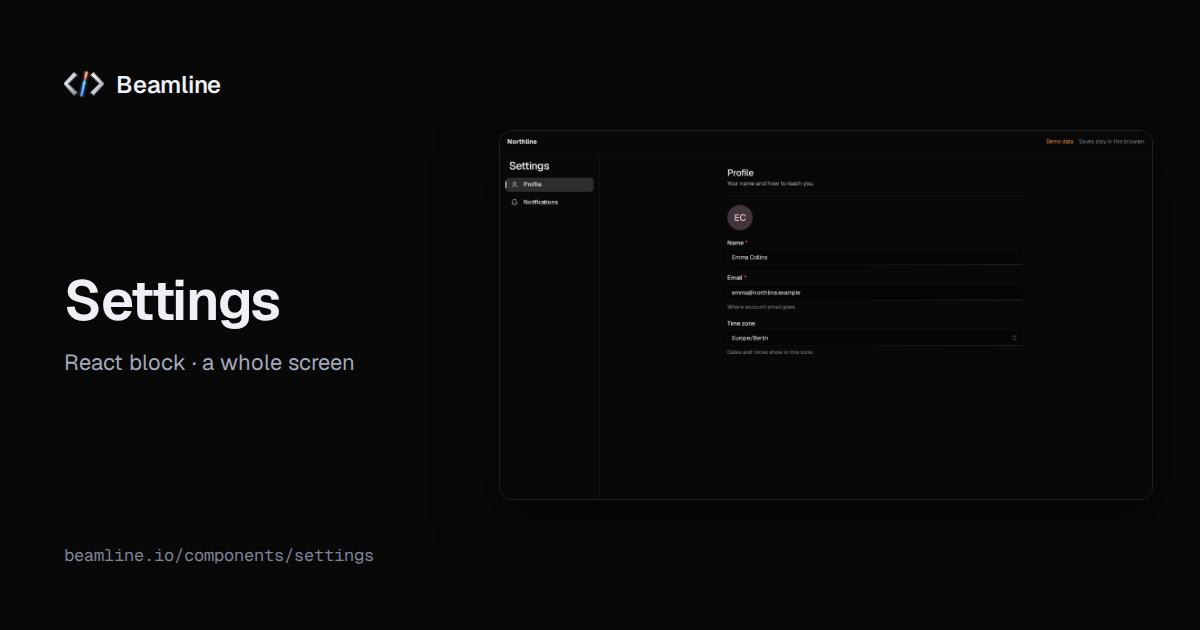
What is in it
One section list, and behind it the sections a SaaS needs:
- Profile: name, photo, and the optional fields you choose, sharing one validation.
- Workspace: name, address (slug), domain, time zone.
- Members and roles: invite by e-mail, change a role, remove a member.
- Billing: plans, period, seats and usage.
- Notifications: the options you pass.
- API keys: create and revoke.
- Danger zone: delete the workspace, behind a confirmation that starts on Cancel.
For a personal product, personal mode leaves out the workspace data. For one section inside a page you already have,
navigation="none" with a section makes it sit flush on your page, under your own heading.
One draft, one save
The block keeps every edit in one draft and calls your onSave once with the values. It does not pretend to save:
your handler decides, and the screen shows what it returns. When it fails, the draft stays and the error says why;
when it succeeds, focus returns to the section heading, so a keyboard user is never left on a button that vanished.
import { Settings } from "@beamline/settings";

<Settings
  defaultValues={profile}
  onSave={(values, changed) => api.patch("/settings", pick(values, changed))} // reject to keep the draft
  members={members}
  onInvite={(emails, role) => api.post("/invites", { emails, role })} // resolves to the new members
  onRoleChange={(memberId, role) => api.patch(`/members/${memberId}`, { role })}
  onRemoveMember={(memberId) => api.delete(`/members/${memberId}`)}
  apiKeys={keys}
  onCreateKey={(name) => api.post("/keys", { name })} // resolves to { key, secret }
  onRevokeKey={(keyId) => api.delete(`/keys/${keyId}`)}
  onDeleteWorkspace={() => api.delete("/workspace")}
/>
Every handler returns a promise. onSave gets the values and the names of the fields that changed, so you send only
those. A new API key's secret is shown once, when onCreateKey resolves, and never again.
The details that make it feel finished
- Destructive actions hold. Deleting a workspace or revoking a key asks first; a hold-to-confirm control needs Space or Enter held, so a stray press does nothing.
- Dialogs keep focus. Invite and confirmation dialogs trap focus, close on Escape and start on Cancel.
- Choices are the right control. A billing period is a segmented control, a notification on or off a switch, invite addresses a tag input, never a comma-separated text field.
- Nothing hops. Saving, failing and retrying change the words in place; the layout does not jump.
When not to use it
A single preference that takes effect the moment it changes is a switch where the setting lives, not a settings page. Onboarding a new account is a step form with a stepper, not settings.
Ask your agent for it
With Beamline connected (setup for your agent): "a settings area with profile, team members with roles, billing with seats, and API keys, saving to our REST API". The agent installs the block, maps each section to your endpoints and leaves out the sections you do not have.