One tap for the machine’s question.
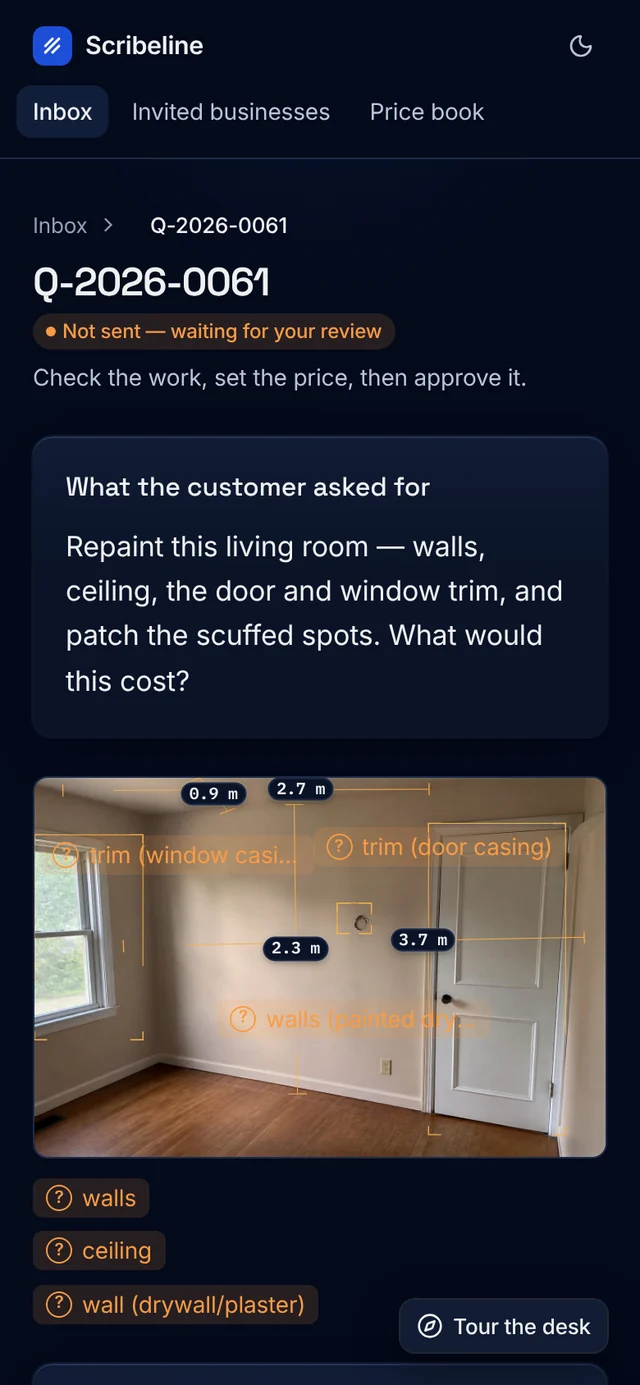
Where a photo can’t settle a number, the desk shows its estimate, asks, and offers the likely answer as one button.

Case study⫽Scribelinephoto-to-quote for trades
Scribeline drafts each quote from the photos and asks only what a photo can’t settle. Only its interface changed: it was rebuilt on Beamline UI.
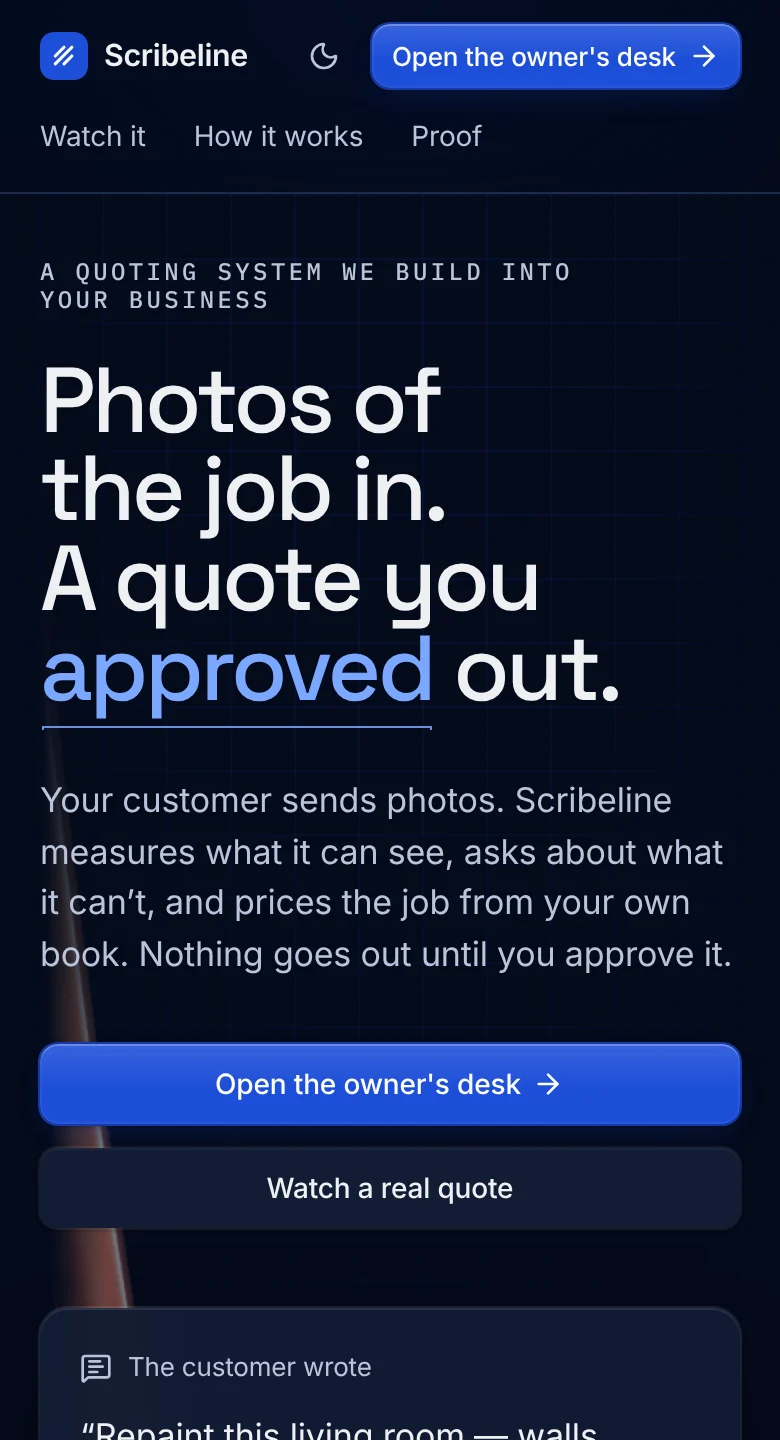
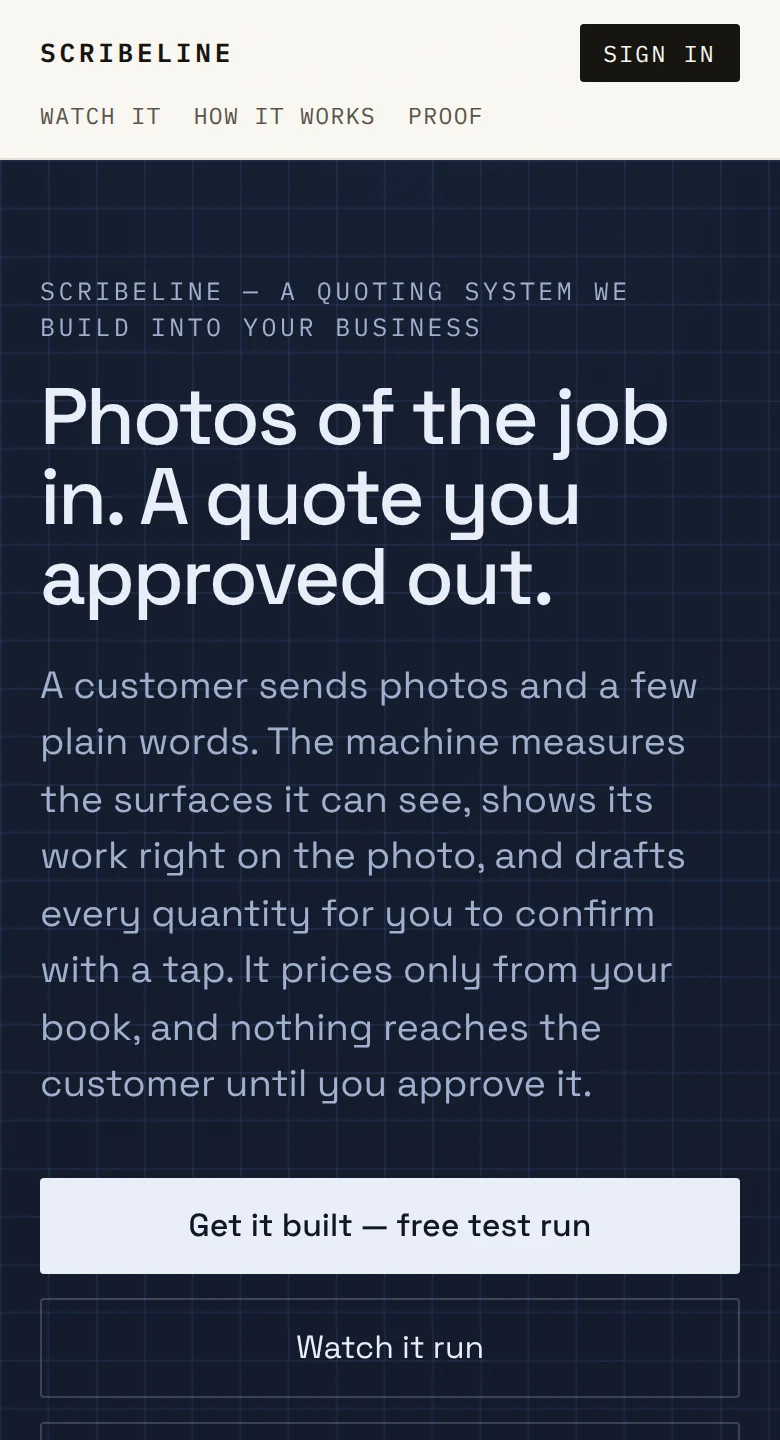
The front page, before and after, at the same width.
From 54to 0
text-contrast failures
axe: the same 6 pages
From 95to 100
Lighthouse accessibility
lowest of 3 pages; all now 100
From 98to 17
hand-built controls
counted in the interface source
From 1to 2
themes
dark follows the device
Before: the original app, measured 10 Oct 2026. After: the live demo, measured 12 Oct 2026. axe-core 4.11 and Lighthouse 12.8, desktop at 1512×982. Automated checks, not a full accessibility audit.
Step three of a real quote
Each open question became a notice with its likely answer one tap away, and the approval waits in a panel of its own.
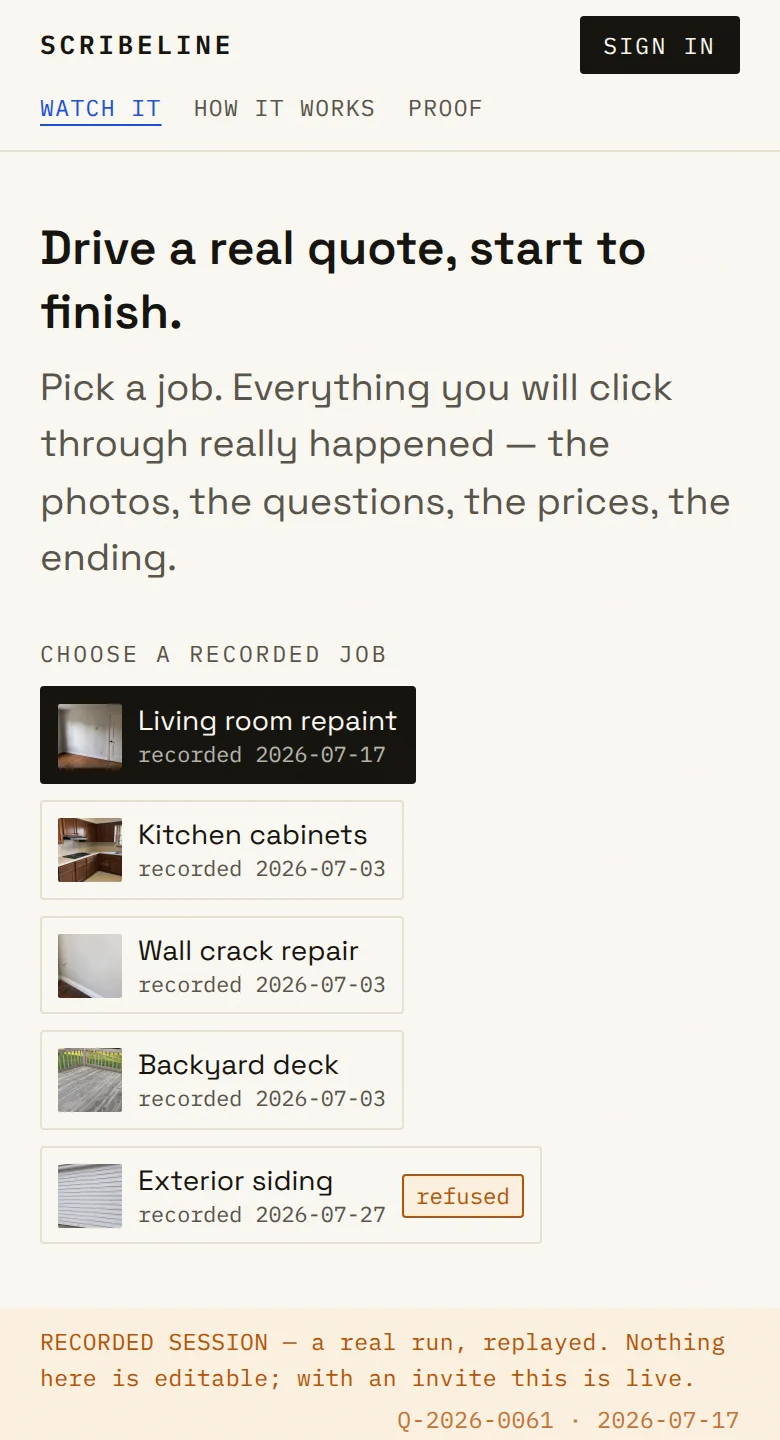
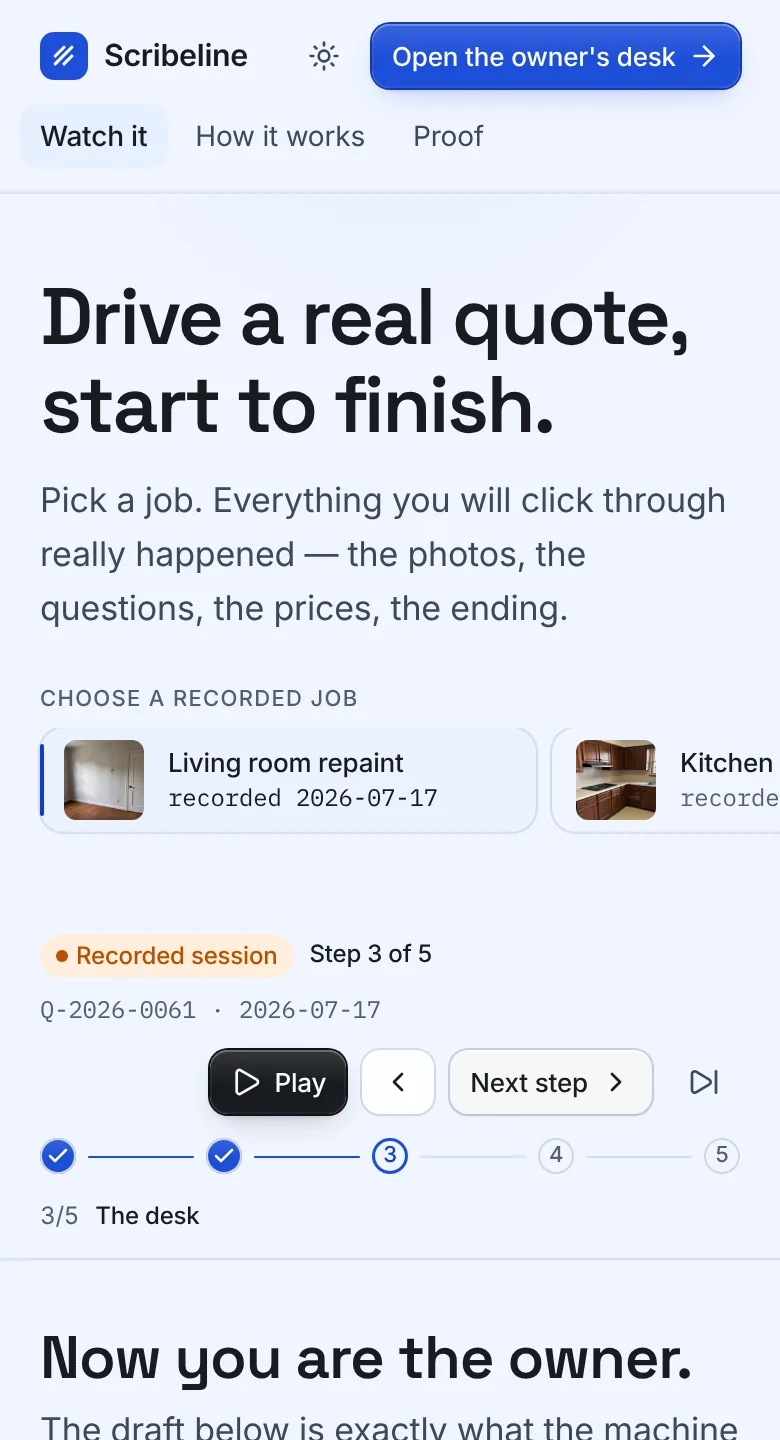
Where a photo can’t settle a number, the desk shows its estimate, asks, and offers the likely answer as one button.
It is the one step the customer sees, so it takes a deliberate hold. Everything before it can still change.

The business’s name, the priced lines and the total, what the quote assumes, a full-width Accept and a PDF to keep.
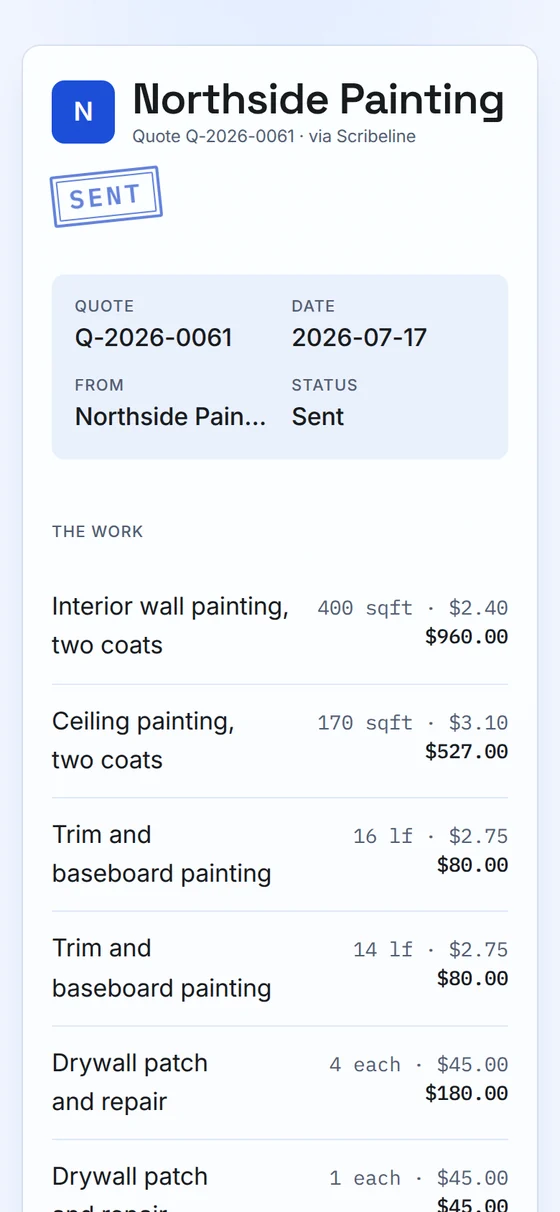
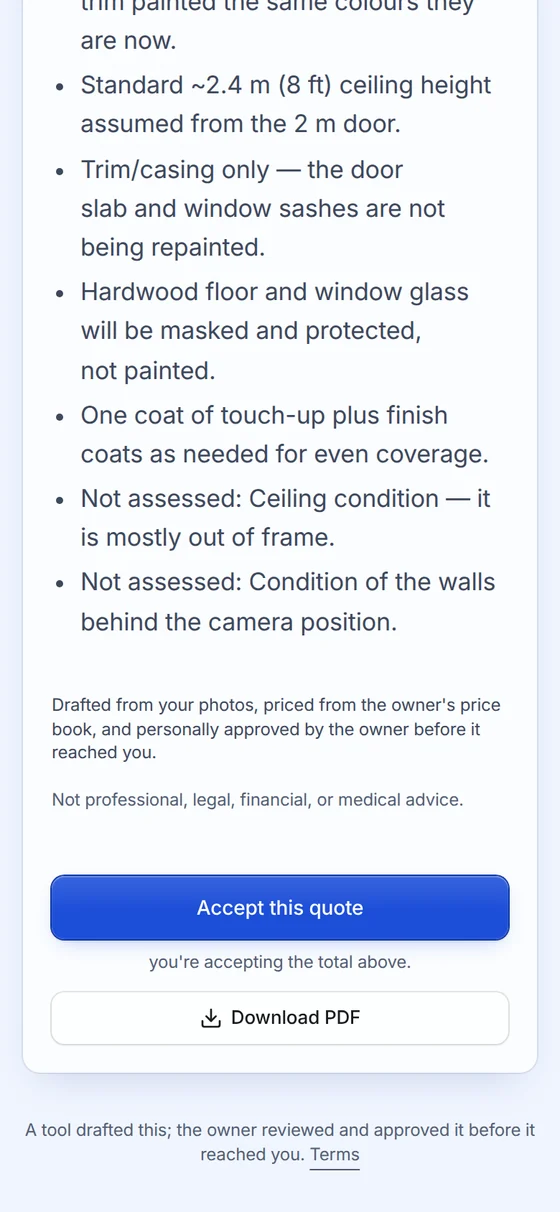
Beamline’s Soft look in Scribeline’s blue, with its drafting-table type.
Build your own style400 sqftEvery number the machine measured stays mono.
Answer the questions, approve, hold to send, then accept it as the customer. It all runs in your browser.
28 Beamline parts in Scribeline
Part of Beamline UI: polished, editable React components and complete screens for custom applications. Build your own style from any look; tokens, fonts, radii, motion; not only colours.