Guide · By Danylo Pravda · Updated
Build a voice agent UI in React
A voice interface has more states than a chat: the microphone is not yet allowed, or blocked, or missing; the agent is listening, thinking or talking; the connection drops and comes back; the person would rather type for a moment. Most voice demos handle the happy path and freeze on the rest. Beamline has thirteen voice parts and a voice agent screen that puts them together on any provider. This guide covers how they fit.
Three layouts, one session
The voice agent block draws the same session three ways:
- Panel: a support widget where people type or talk to the agent.
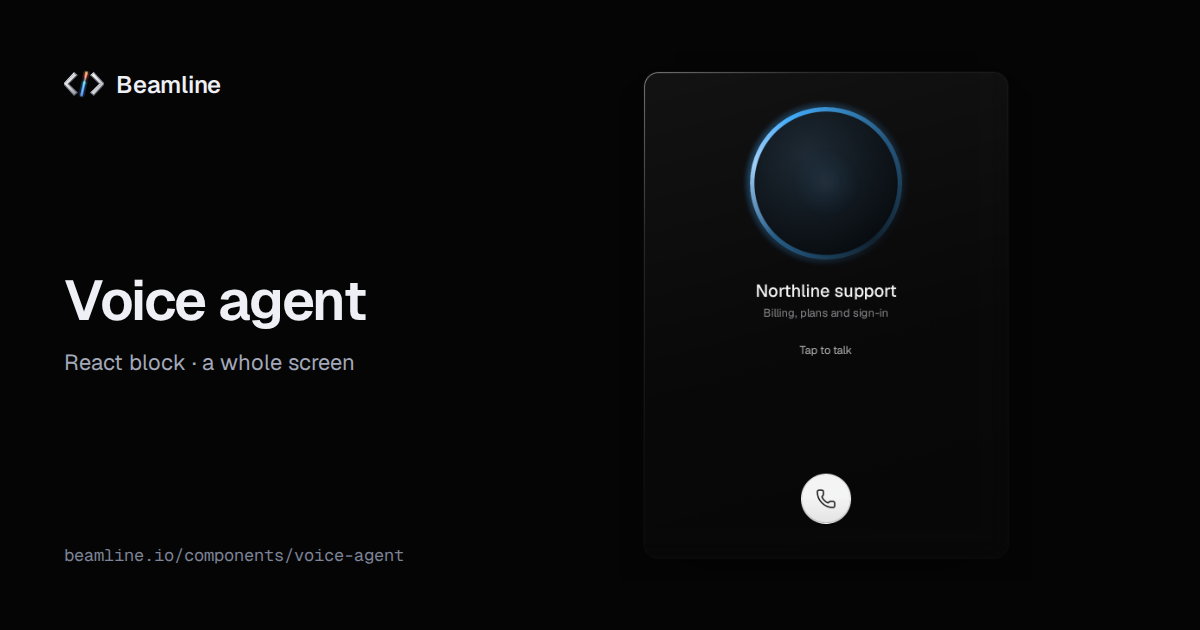
- Call: a phone-style screen with the agent's orb and one call button.
- Workspace: voice as the main way to work, with an empty state, the live transcript and the conversation bar.
All three run on one session: the same adapter, or a session you share with the rest of the screen.
One adapter for any provider
The block does not know which speech service you use. You give it an adapter with one method, connect, and it hands
you back handlers to report what happens:
import { VoiceAgent } from "@beamline/voice-agent";
import type { VoiceAgent as VoiceAdapter } from "@beamline/lib-voice";

export const myAgent: VoiceAdapter = {
  async connect({ stream, mode, signal }, on) {
    const call = await provider.start({ audio: stream, textOnly: mode === "text", signal });
    call.onState((s) => on.status(s)); // "listening" | "thinking" | "talking"
    call.onText((t) => on.transcript({ id: t.id, role: t.speaker, text: t.text, final: t.done }));
    call.onDrop(() => on.connection?.("reconnecting"));
    call.onError((e) => on.error(e));
    return {
      sendText: (text) => call.send(text),
      setMuted: (muted) => call.mute(muted),
      outputLevel: () => call.agentVolume(), // 0–1, drives the orb
      disconnect: () => call.end(),
    };
  },
};

<VoiceAgent layout="workspace" adapter={myAgent} />
A transcript line grows in place: send the same id again while the words arrive (final: false) and once more when
it is finished. The orb widens with outputLevel while the agent talks. Optional methods let a typed session turn into
a call without losing the reply in flight, and switch microphones mid-call. For dictation, the library also ships
speech-to-text from the browser's own recognition, with no dependency.
The parts on their own
| part | what it is for |
|---|---|
| Orb | the agent's presence: still at rest, an arc while thinking, widening with the voice; from a 16 px mark to a 240 px call screen |
| Conversation bar | the bottom bar of a call: call and hang up, the agent's state as bars, a timer, mute, and typing when talking is not an option |
| Voice button | start and stop talking: click to toggle or hold to talk, with a keyboard shortcut |
| Mic selector | choose and test the microphone, with every permission and device state spelled out |
| Transcript viewer | a recording and its words together: the spoken word lights up as it plays |
| Speech input | a text field you can speak into |
| Live waveform | loudness drawn as it happens |
The rest of the set: audio player, bar visualizer, waveform, scrub bar, voice picker and matrix.
The states that make it trustworthy
- The microphone tells the truth. Not yet allowed, blocked (and how to unblock it), no microphone, unplugged: each has its own words and its own fix, instead of a button that silently does nothing.
- State comes from your operation. The voice button shows recording, finishing and done from what your code reports, never from a timer, so it cannot claim words were heard when they were not.
- Typing is always there. The conversation bar opens a text field when talking is not an option, and Escape closes it and returns focus.
- The keyboard works the call. Call, mute and the voice button are buttons; hold-to-talk works with Space, Enter or a shortcut you choose.
When not to use it
A text-only assistant is the agent workspace or a conversation with messages (the AI interface guide). Dictating into a form is speech input. People talking to people is the chat thread.
Ask your agent for it
With Beamline connected (setup for your agent): "a voice support panel on our speech provider that also takes typed questions, with a live transcript". The agent installs the block and writes the adapter around your provider's SDK.